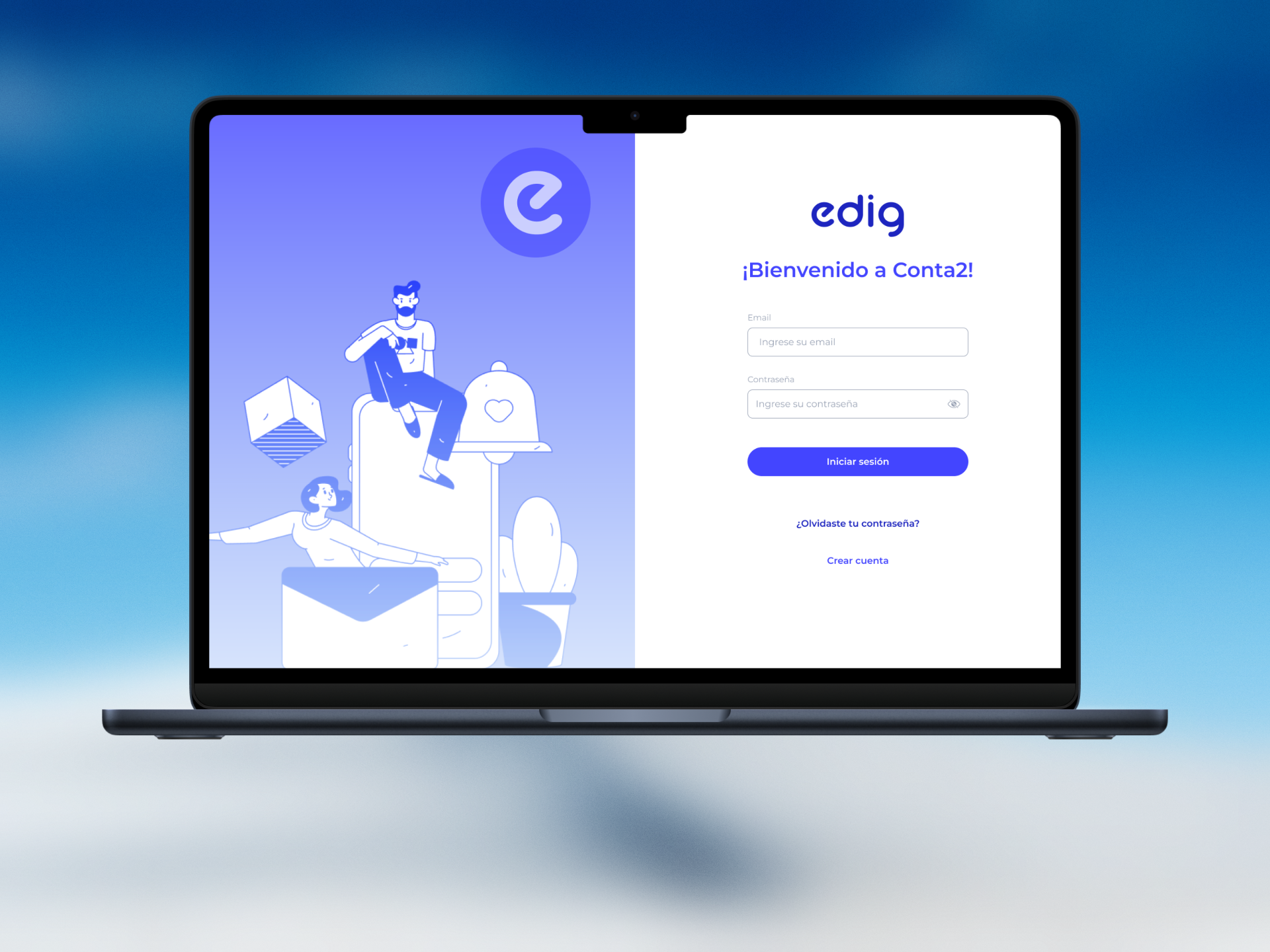
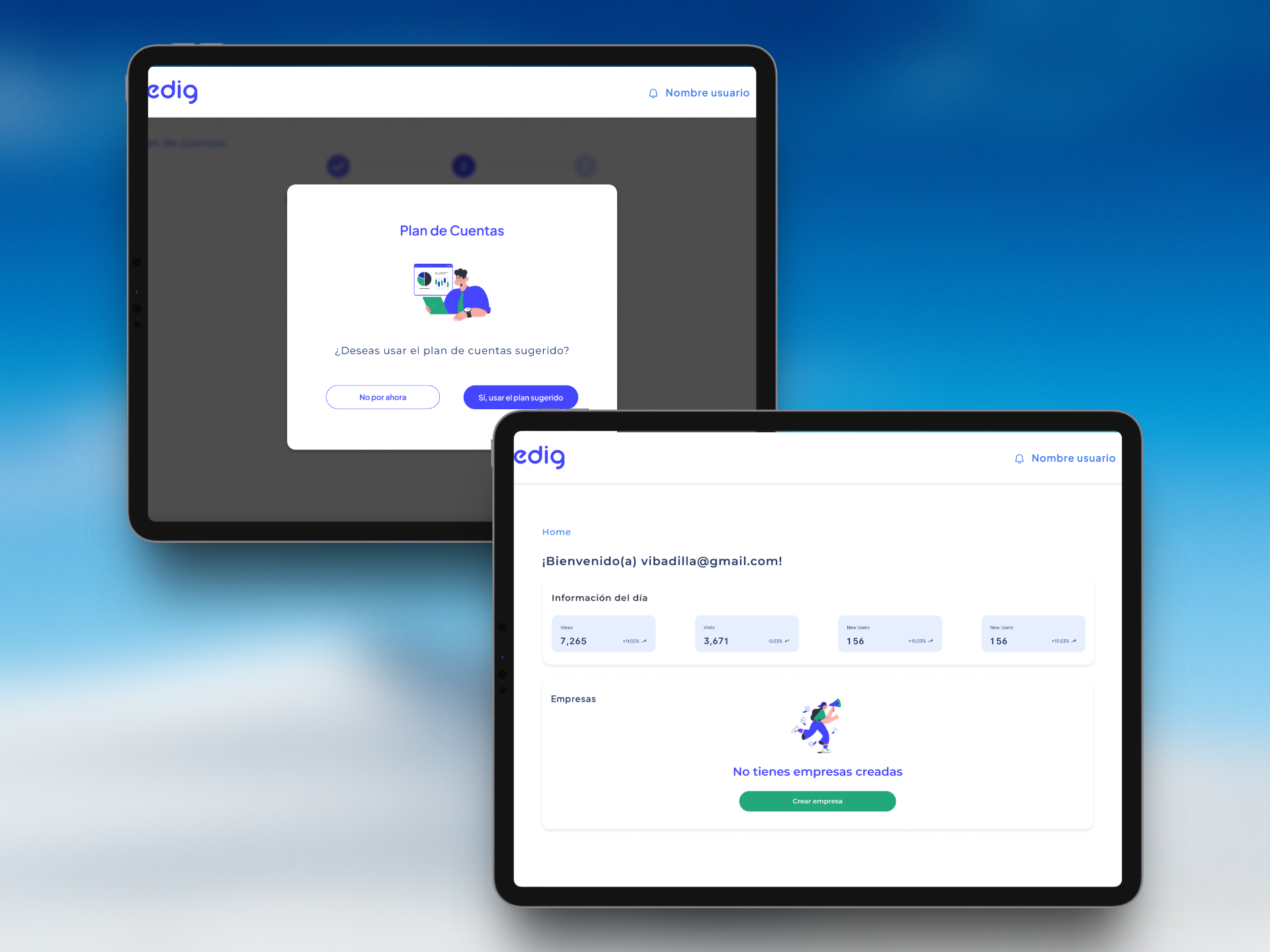
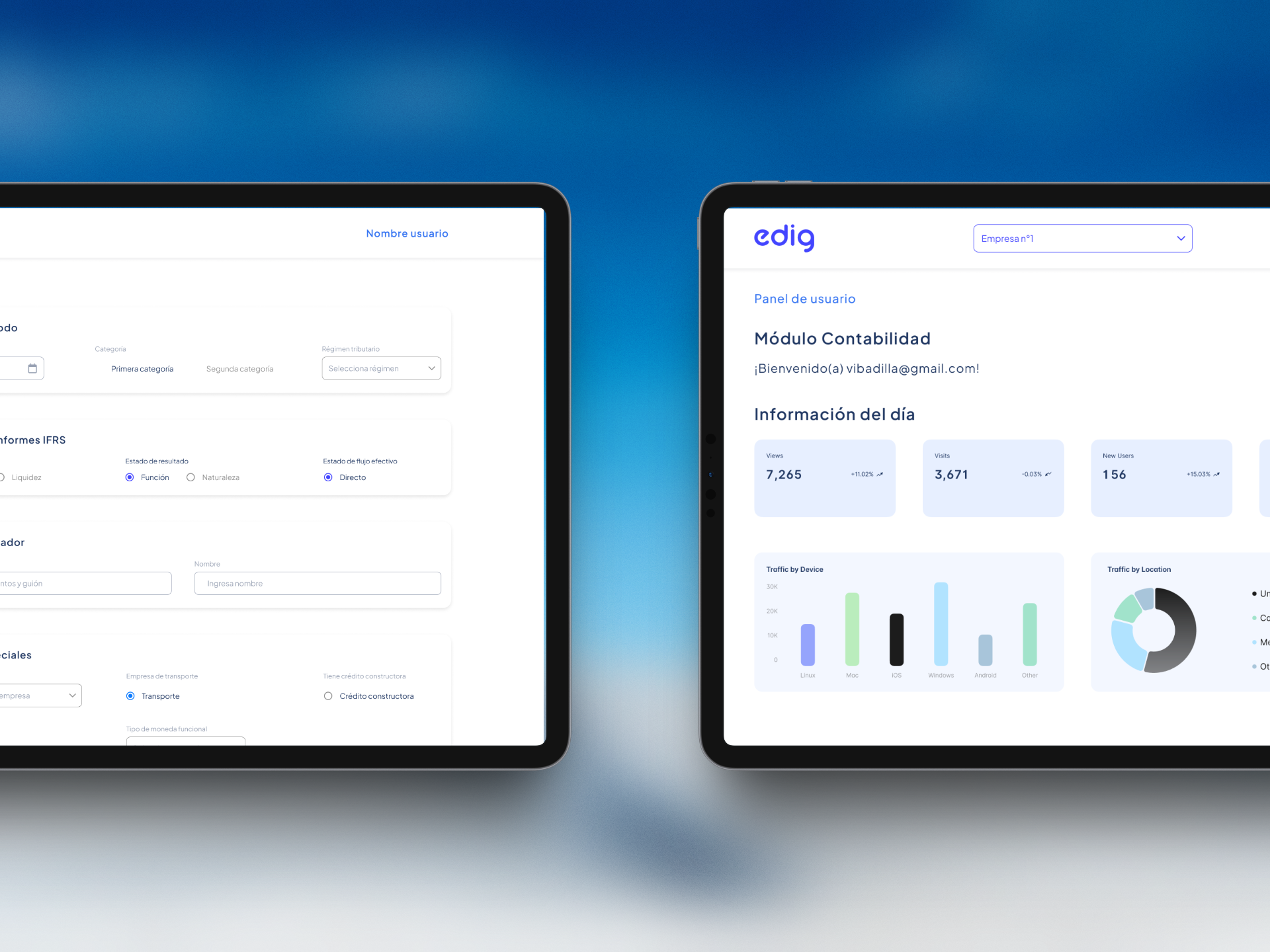
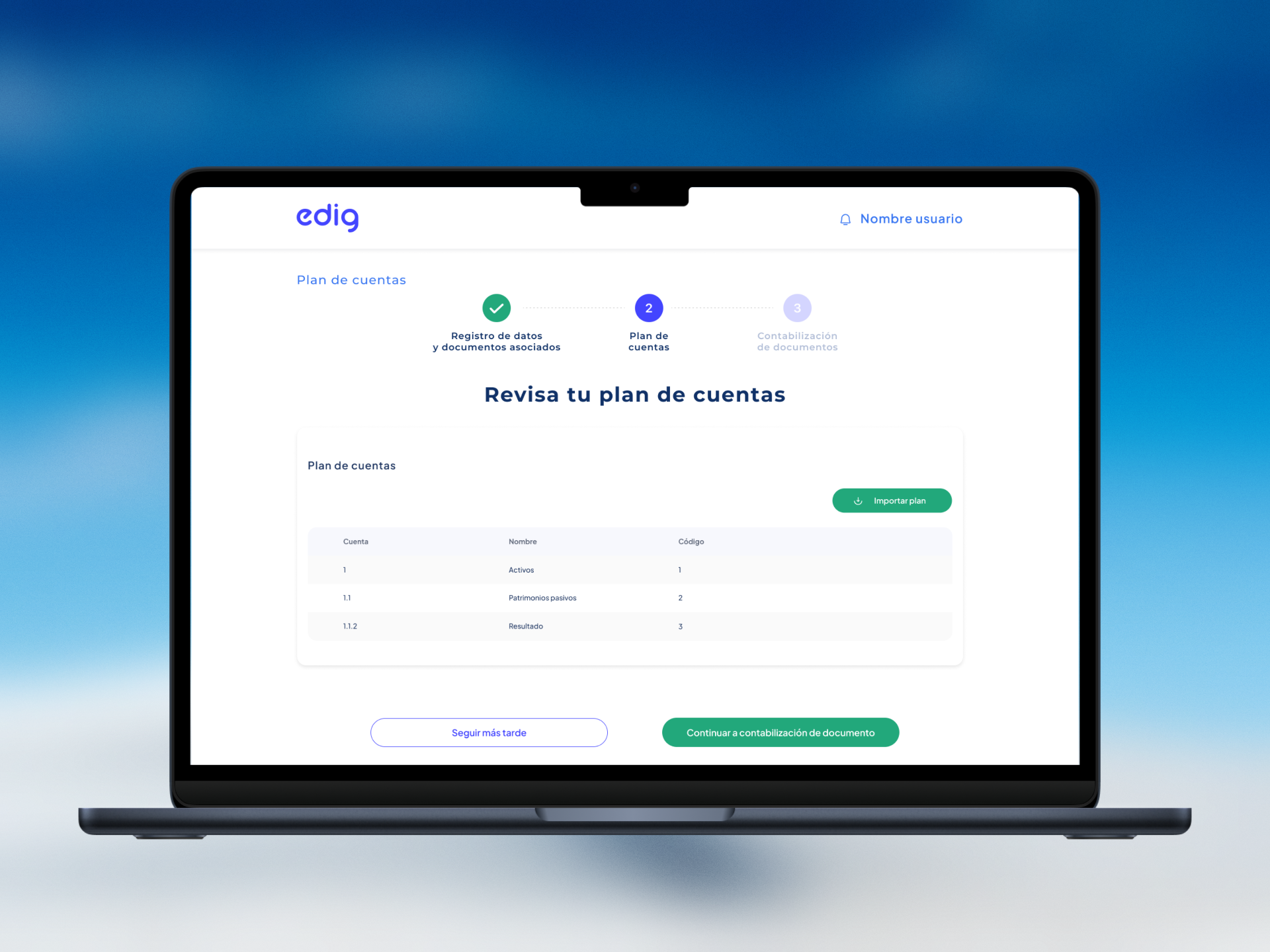
Project Overview
- Role: Lead UX/UI & Product Designer
- Services: B2B SaaS UX Audit, Workflow Optimization, Design System, UI Redesign
- Industry: Accounting Tech / Financial SaaS / Enterprise Software
- Tools: Figma, Miro, Usability Testing
1. Context & The Challenge
eDig is a SaaS accounting platform designed to help tax professionals, accountants, and finance teams manage bookkeeping, invoicing, and tax compliance.
The Problem:
The legacy platform had grown feature-heavy over time, resulting in a cluttered interface with high cognitive load. Accountants and tax specialists spent excessive time navigating complex data tables and manual data-entry workflows.
Key Pain Points Identified:
- Data Density & Fatigue: Unstructured data tables made scanning large volumes of invoices and financial entries slow and error-prone.
- Deeply Nested Navigation: Essential daily tasks—such as issuing electronic tax documents or reconciling accounts—were hidden behind multiple sub-menus.
- Lack of Mass Actions: Users were forced to process transactions individually, slowing down batch accounting workflows.
2. My Approach & Process
I led the UX/UI redesign to streamline daily accounting tasks, reduce operational errors, and modernize the platform's visual architecture.
Phase 1: Workflow Analysis & Accountant Shadowing
- Conducted contextual inquiries and task-mapping sessions with accountants to identify daily repetitive workflows and bottleneck interactions.
- Mapped information architecture priorities based on task frequency (Invoicing, Bank Reconciliation, Tax Reporting).
Phase 2: Table UX & High-Density UI Layouts
- Redesigned core financial tables with customized column visibility, quick-search filters, sticky headers, and batch-action controls.
- Streamlined complex multi-field accounting forms into progressive, keyboard-navigable input layouts for rapid data entry.
Phase 3: Scalable Enterprise Design System
- Built a comprehensive B2B Figma design system with clear typography scales, accessible data visualization palettes, and compact UI components optimized for desktop efficiency.
3. Key Solutions Implemented
- Optimized Financial Workspace: A redesigned dashboard giving accountants immediate visibility into pending tax documents, cash flow, and urgent reconciliations.
- Advanced Interactive Data Tables: High-density grids featuring inline editing, multi-select batch actions, and customizable export options.
- Keyboard-Friendly Invoicing Flows: Rapid data-entry interfaces designed to allow power users to process transactions without leaving the keyboard.
4. Impact & Results
- Increased Operational Speed: Streamlined data-entry flows and batch actions significantly reduced processing time for monthly accounting closes.
- Lower Cognitive Strain: Improved table layouts and typography hierarchy reduced visual fatigue for daily power users.
- Scalable UI Foundation: Delivered an enterprise Figma library that simplified front-end development and future feature integrations.